AI automation planning canvas
Plan one automation properly before anyone builds it: what it does, what AI should handle, and where people stay in control.
This free workbook takes you from a recurring process to a step-by-step map, a readiness and risk check, and an implementation plan you can hand to whoever builds it — in any tool.
5 structured worksheets · 12 readiness checks · Works with any automation tool
The problem
Most automations start with the tool.
Someone opens an automation builder, connects a form to an AI step to an email, and it works on the first test. Then real inputs arrive.
The problems rarely come from the platform. They come from the planning that didn’t happen.
Nobody can describe the process the same way twice
AI is used where a simple if/then rule would do
The happy path works, and nothing handles the exceptions
A person used to catch the mistakes, and now nobody does
It breaks quietly, and nobody owns it
Definition
What is an AI automation plan?
An AI automation plan defines one recurring process, step by step, and decides which steps people, fixed rules, AI or software should handle — along with what happens when a step fails.
It is written before anything is built, so the build starts from a shared, checkable definition instead of an idea.
Choose a process
Not every process is worth automating.
The first decision is which process to plan. These five tests come straight from the workbook.
The important part
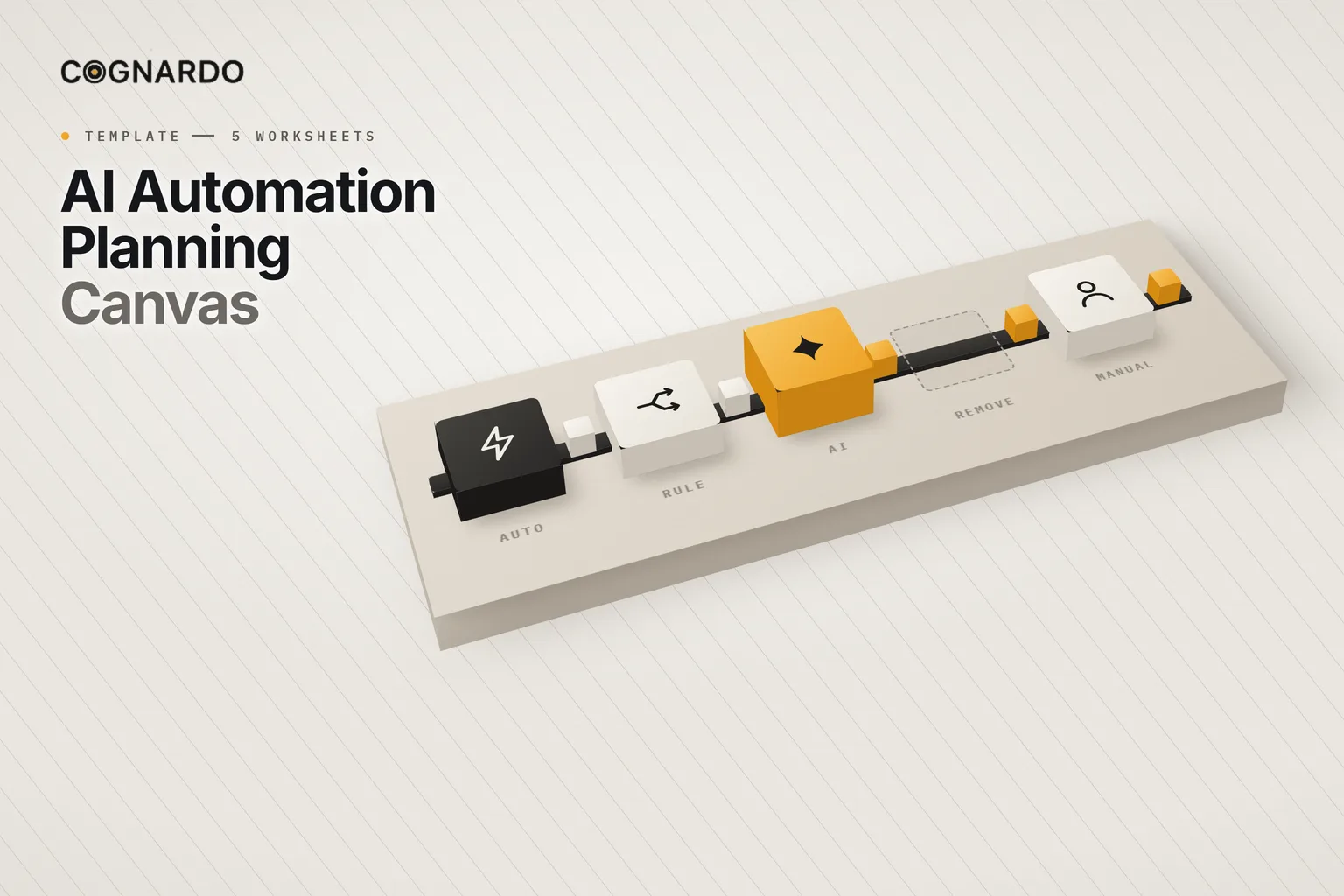
Five ways to handle a step.
“Automate it with AI” is one option out of five. Deciding which one each step gets is most of the plan.
A person does it.
Judgement, authority or accountability matter more than speed.
Explicit if/then logic decides the next action.
The correct logic is deterministic. Prefer this to AI whenever it is.
AI interprets, generates, classifies or reasons, and its output may need review.
The step involves language or judgement that fixed rules cannot reliably express.
Software performs the action without anyone repeating it by hand.
Inputs and outcomes are clear and a mistake is cheap to catch.
The step stops existing.
It adds nothing. The best automation is sometimes deleting the step.
If the right next action can be written as an if/then rule, use a rule. Save AI for the steps that genuinely need interpretation.
A worked example
New client inquiry triage, mapped.
Five steps, three kinds of handling, and a fallback for every one. Pricing and fit decisions stay with a person throughout.
How to plan it
Define, map, assign, check, plan.
One workbook per automation, worked through in order. Each sheet takes what the last one produced and goes a level deeper.
- 01
Define
Set the objective, scope, trigger, inputs, outputs and the decisions that must stay human, for one recurring process.
- 02
Map
Break the process into meaningful steps. Record the decisions, handoffs and exceptions in each.
- 03
Assign
Classify every step as Manual, Rule-Based, AI-Assisted, Automated or Remove, keeping human review where judgement or risk requires it.
- 04
Check
Expose missing prerequisites, failure modes and blockers, then make a human decision to proceed, refine, redesign or pause.
- 05
Plan
Define the minimum viable automation, the build actions, the tests and the acceptance criteria. That is your handoff.
Before you build
Is it actually ready?
Twelve checks, each marked Ready, Partial, Blocked or Not Applicable, with the evidence and the action needed. A risk register sits alongside them.
The workbook summarises the statuses, but it never makes the call. That decision is yours, and you record it explicitly.
Your planning decision
12 readiness checks
Process clarity
Trigger clarity
Input availability
Input quality
Decision definition
AI suitability
Human oversight
System access
Exception handling
Output definition
Ownership
Maintenance
The workbook
Plan it once. Build it with fewer surprises.
Everything above is on this page for free. The workbook does the part a webpage can’t: hold your process, count the handling mix as you map it, and carry the decisions through to an implementation plan.
ai-automation-planning-canvas.xlsx
XLSX · 5 worksheets
Enter your email and we’ll send the canvas straight to your inbox. Free, no account, no card.
We may email you occasionally for feedback, or to tell you about new Cognardo resources. Unsubscribe any time.
Built-in helpers
Use AI to challenge the plan.
Four copy-ready prompts for ChatGPT, Claude or Gemini, each for a specific point in the plan. They are told not to invent tools, integrations or steps, and to label their assumptions.
Process Decomposer
After you define the process, trigger and outcome; before you fill in the Workflow Map.
Automation Boundary Reviewer
Once the Workflow Map has a credible set of steps.
Exception & Risk Challenger
After the target workflow is defined; before the proceed or pause decision.
Implementation Brief Generator
After you have approved the plan and the readiness decision.
Before launch
One good run isn’t a test.
Write the expected behaviour first, then test the cases that break automations in practice. At minimum:
The normal case
Missing input
Invalid input
At least one exception
AI uncertainty or error
A system or handoff failure
Where it helps
Any process that repeats.
Lead and inquiry intake
Capture, summarise, classify and route new requests.
Operations and admin
Status updates, data entry, handoffs between tools and teams.
Content and marketing
Drafting, repurposing and scheduling with review built in.
Customer support
Triage, suggested replies and escalation of the unusual cases.
Finance and reporting
Recurring reports and reconciliations with clear checks.
Briefing a builder
Hand a freelancer, agency or internal team a plan they can build and test against.
Keep it where you work
Keep your AI steps consistent.
The AI-assisted steps in your plan run on prompts, and those prompts get reused every time. Workbench is our browser extension for exactly that — keep prompts and context organised, fill the variables in a form, and run them without leaving ChatGPT, Claude or Gemini.
FAQ
Questions, answered.
What is an AI automation planning canvas?+
A structured worksheet for planning one automation before it is built. It captures the process, its trigger, inputs and outputs, how each step should be handled, the human controls, the risks and the implementation plan, so the build starts from a shared, checkable definition rather than an idea.
How do I decide what to automate?+
Start with work that recurs, has a recognisable start and finish, and produces an output you can describe and check. Be cautious where nobody can explain the current process, where the inputs are unreliable, or where a mistake could do real damage without review.
When should I use AI instead of a simple rule?+
Only when the step involves language or judgement that fixed rules cannot reliably express, like summarising free text or classifying an ambiguous request. If the correct next action can be written as an if/then rule, a rule is cheaper, more predictable and easier to test.
Do I need technical skills to use it?+
No. It is written for the person who owns the process. It deliberately avoids platform-specific detail and asks you to verify access and capabilities rather than assume them. The technical decisions come later, and are easier once the plan is clear.
Does it work with Zapier, Make, n8n or Power Automate?+
Yes. The canvas is tool-neutral. It defines what the automation must do, what it needs and where people stay in control, which is the same whichever platform builds it. Record the tools you plan to use in the Systems & Tools section and verify that each required action is actually supported.
How should I test an automation before launch?+
Define the expected behaviour before you run anything. Cover the normal case, missing and invalid input, at least one exception, AI uncertainty or error where AI is involved, and a system or handoff failure. One successful run is not acceptance.
Does a “Ready” readiness signal mean I should build it?+
No. The signal only summarises the statuses you entered. It does not decide whether the automation is safe, appropriate or technically feasible. That is a human decision, and the workbook asks you to record it explicitly.