Resources

All resources

Everything we’ve published for doing serious work with AI — prompt packs to run the tasks, workflow kits to manage the project, templates for the context AI keeps asking you to repeat, and checklists for verifying what it hands back. All free.

24 resources · page 1 of 3

▾
XLSXAI workflow

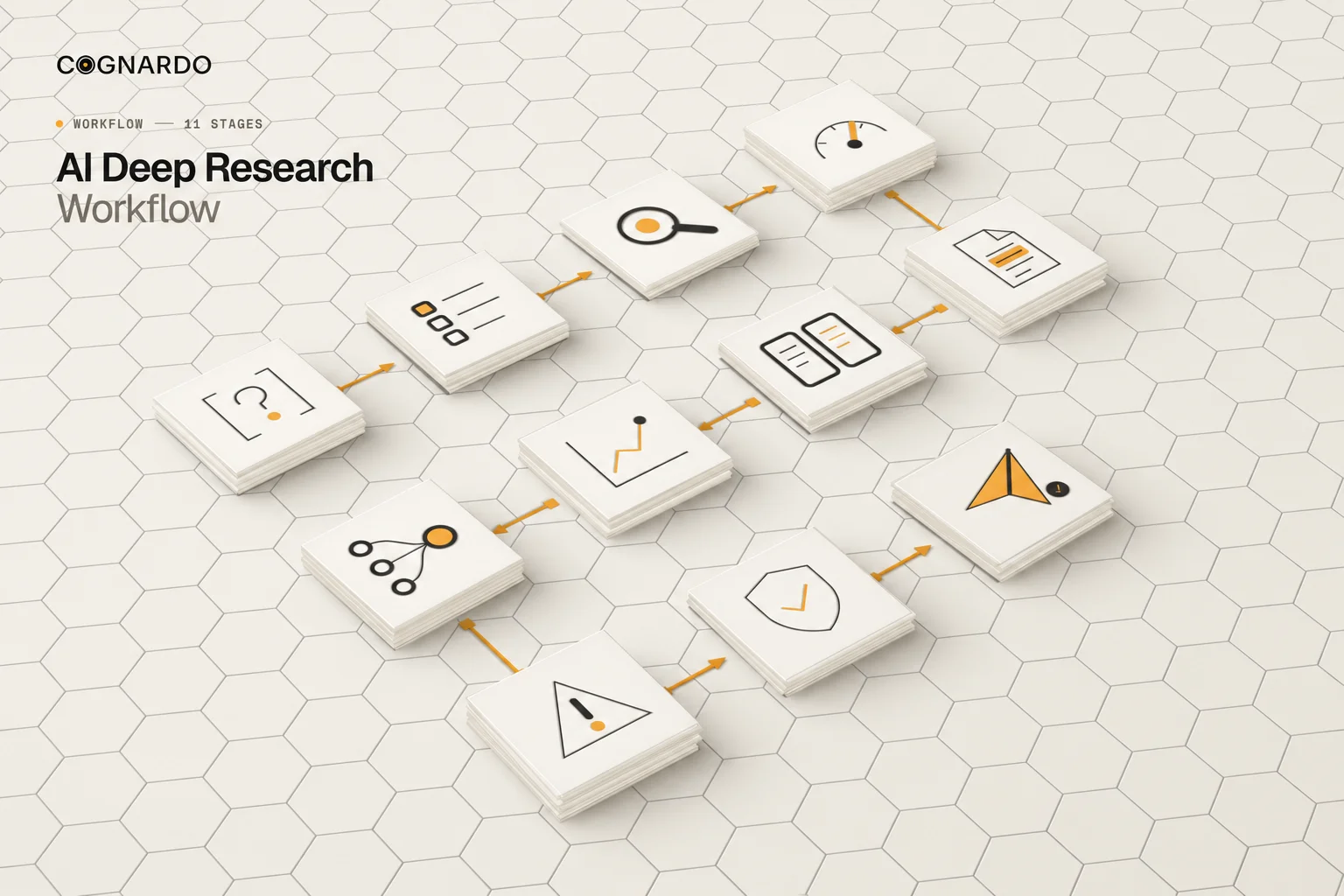
AI Research Workflow Kit

A nine-sheet workspace for running the 11-stage deep research workflow — plan the question, track sources, map evidence to claims, investigate contradictions, then verify findings before they ship.

9 sheets11 stagesSource → verified finding

Workflow · Evidence tracking · Verification
XLSXTemplate

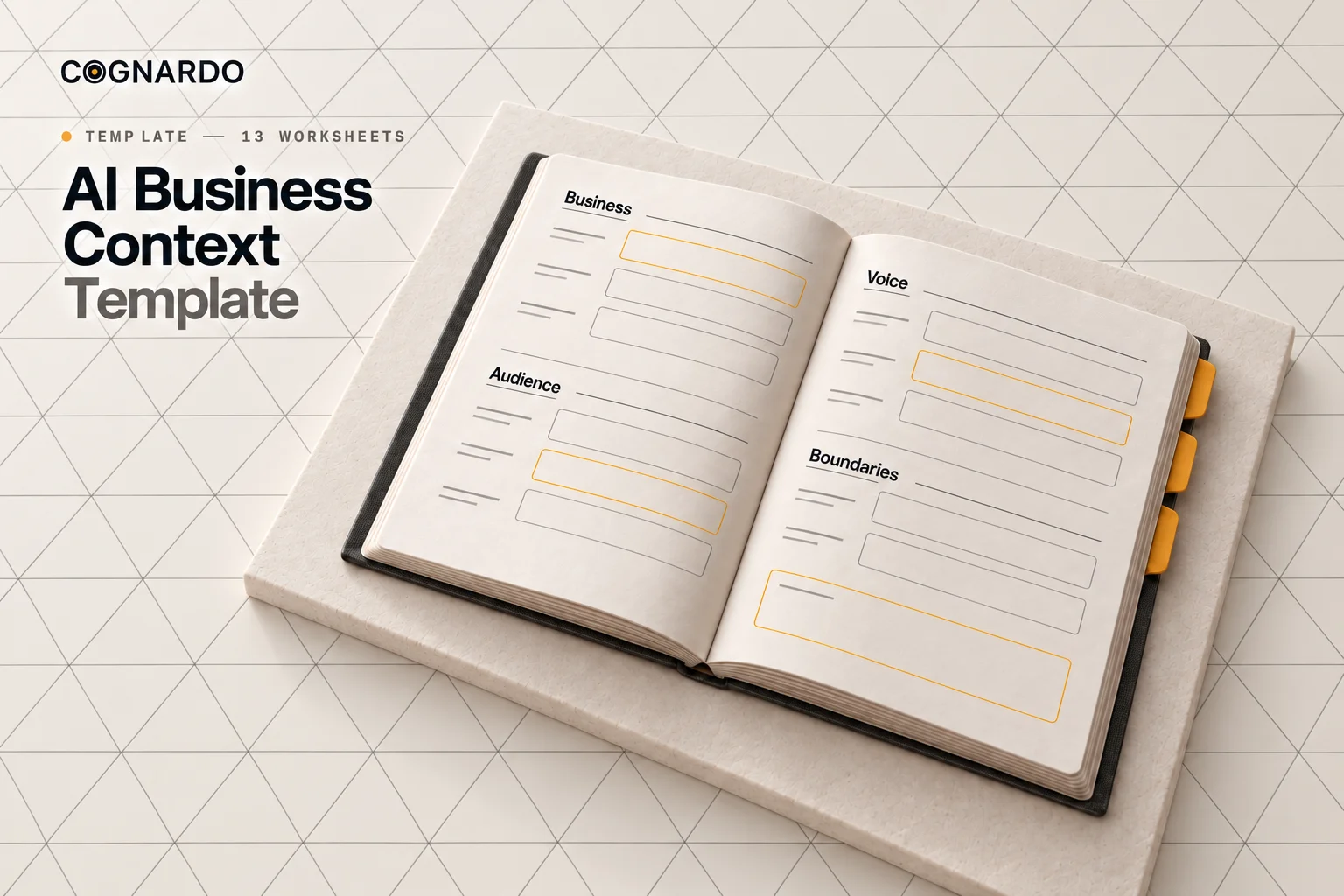
AI Business Context Workbook

Document your business once — products, customers, positioning, brand voice, approved claims and restrictions — then generate a reusable context block that makes every AI task more accurate and on-brand.

13 worksheetsContext generatorReusable across tasks

Business context · Brand voice · Guardrails

XLSXAI workflow

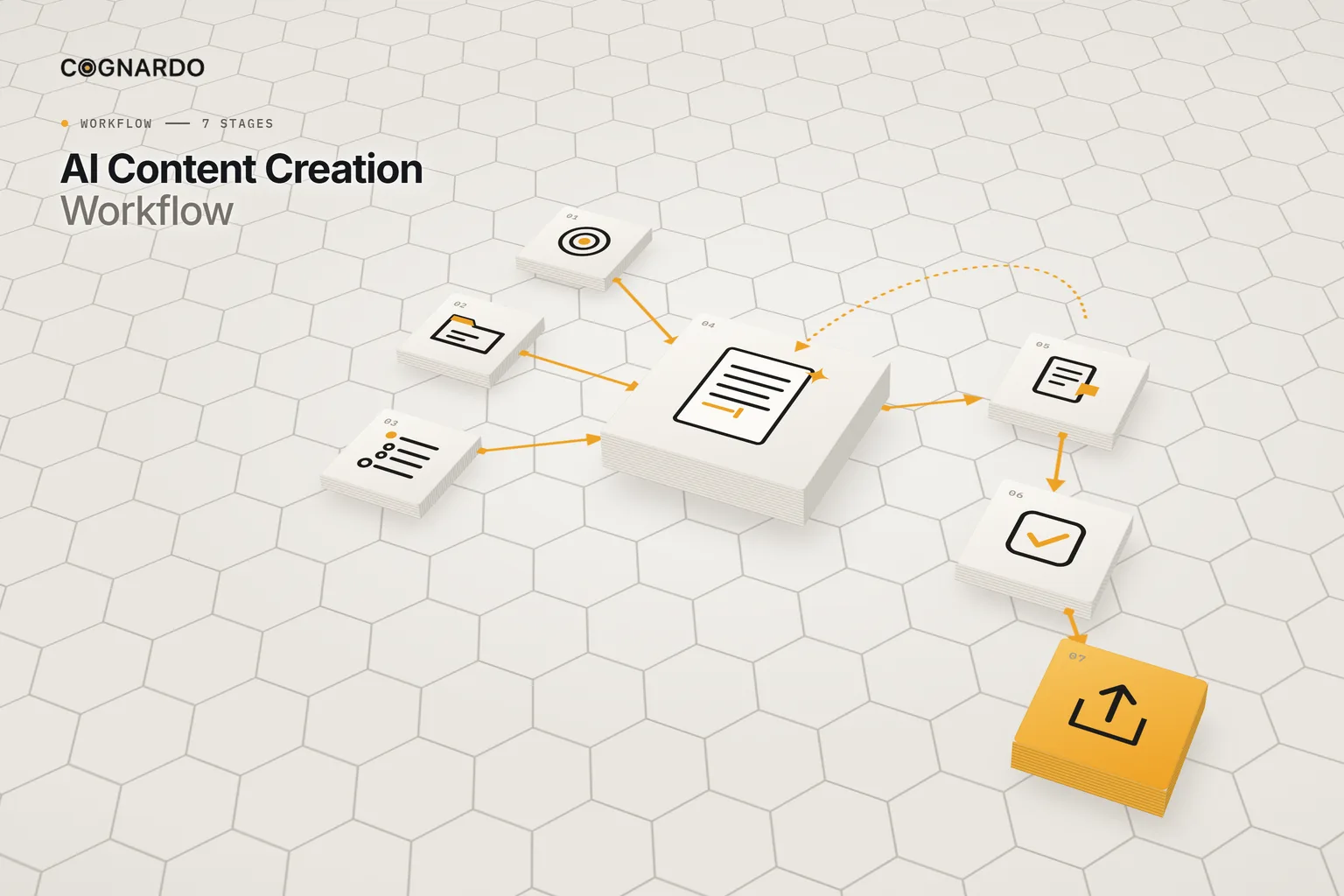
AI Content Creation Workflow

Take one piece of content from brief to publish-ready handoff — approved context and outline first, AI drafting in controlled tasks, then human review, verification and a clear finish line.

7 stages5 AI tasks15-point QA

Content creation · Human review · Quality control

XLSXAI workflow

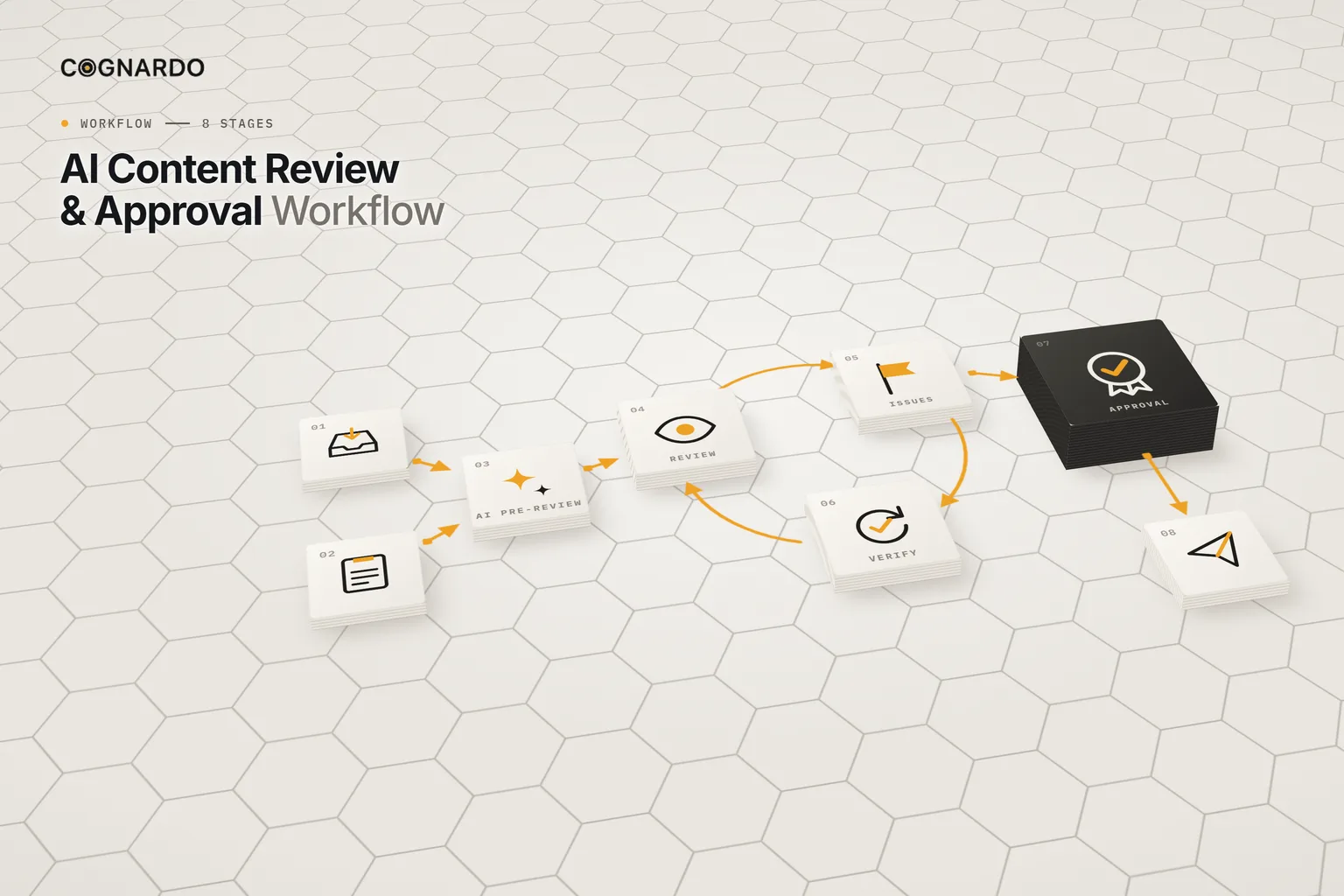
AI Content Review & Approval Workflow

Move finished content from review to release with a clear audit trail — AI pre-review, human judgement against ten criteria, tracked issues, verified fixes and a version-specific human approval.

8 stages10 review criteria4 AI prompts

Content review · Approval · Quality control

XLSXAI workflow

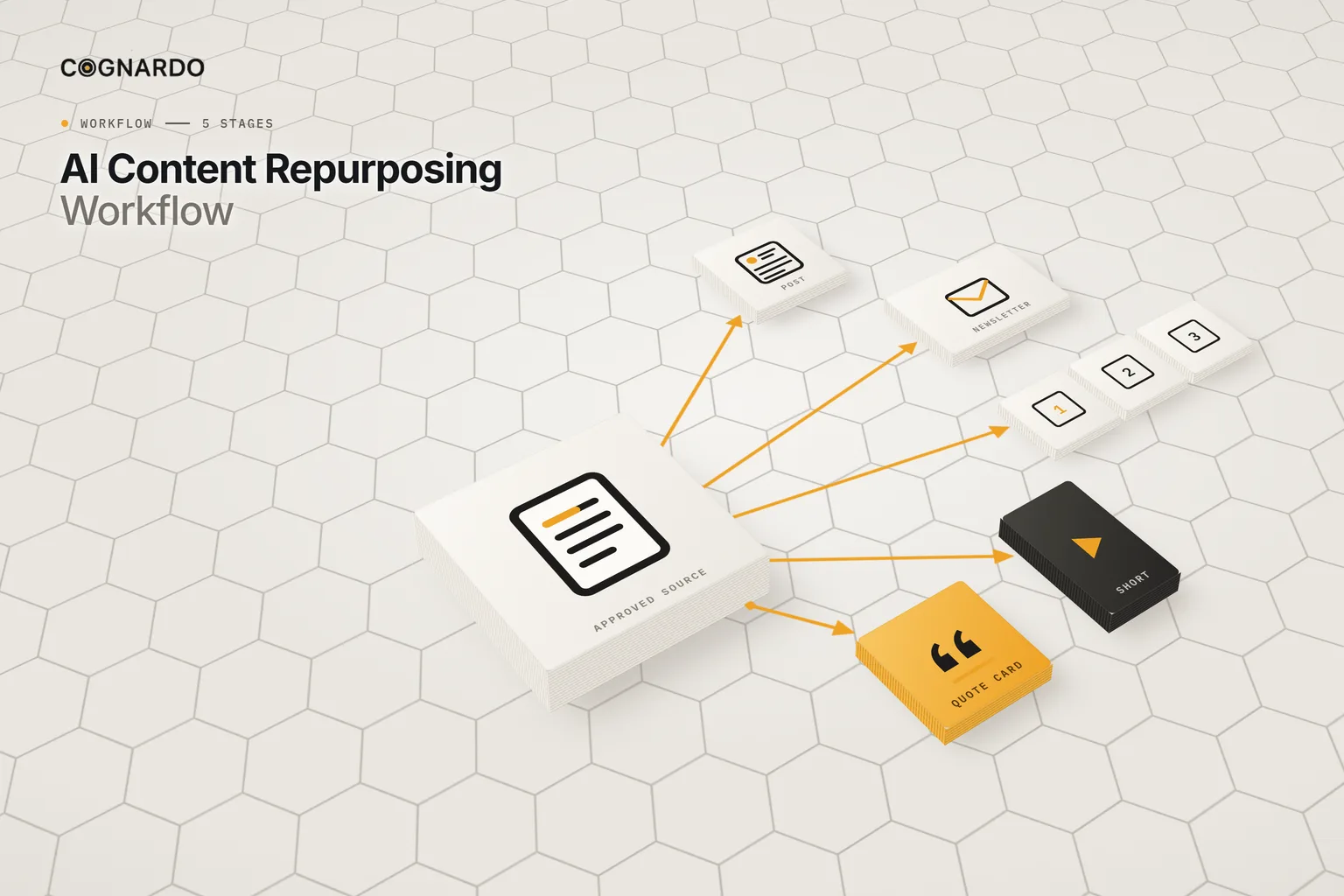
AI Content Repurposing Workflow

Turn one approved source into posts, newsletters, carousels and scripts that each stand on their own — anchored to verified source facts, adapted per channel, and reviewed before handoff.

5 stages25 derivatives6 review checks

Repurposing · Multichannel · Source fidelity

XLSXAI workflow

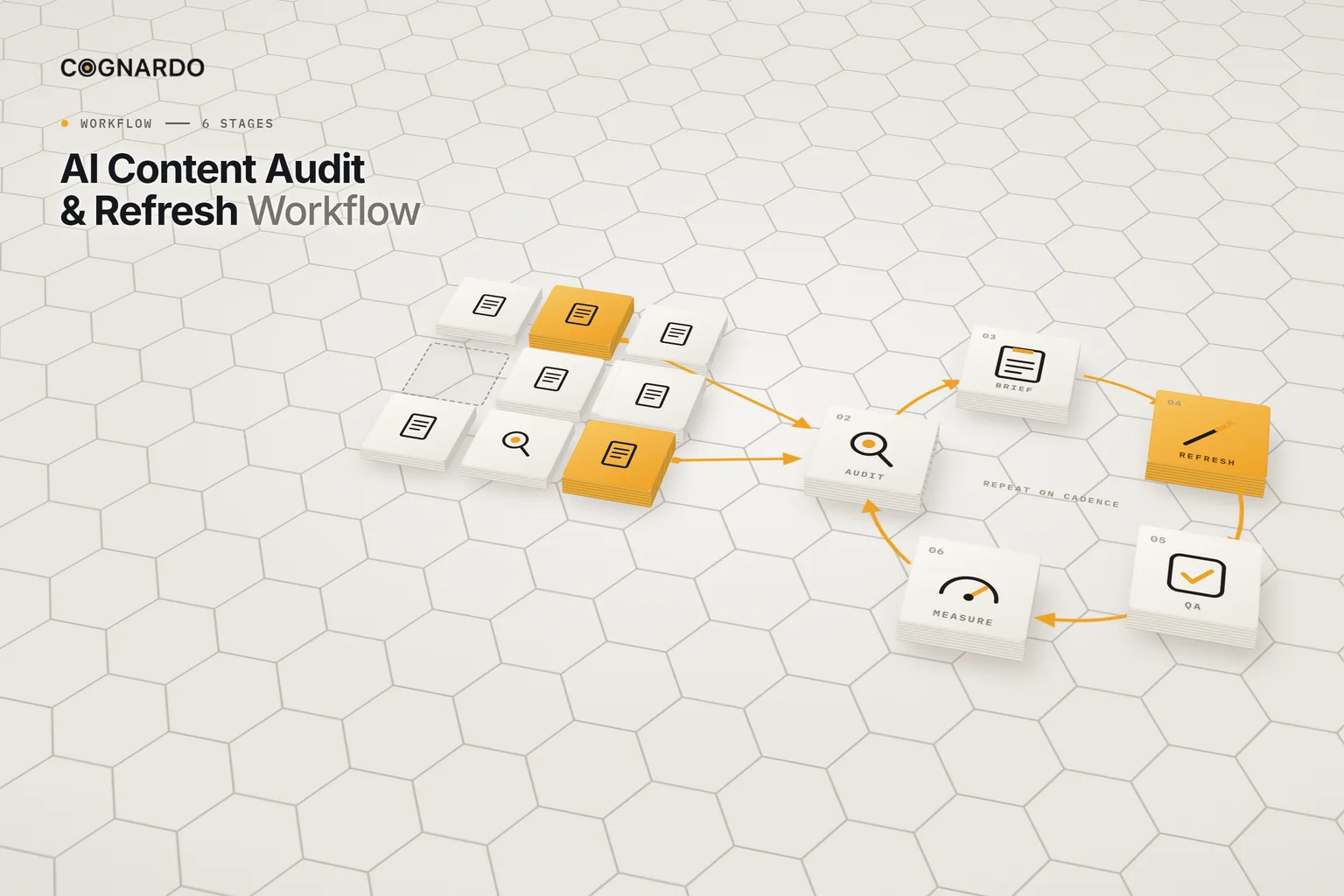
AI Content Audit & Refresh Workflow

Audit existing content, decide what to keep, refresh, rewrite, consolidate or retire, use AI only on approved changes, then QA, publish and measure — on a cadence you repeat.

6 stages6 audit actions18-point QA

Content audit · Refresh · Measurement

XLSXAI workflow

AI GEO Content Optimization Workflow

Optimise one page for AI-generated answers the honest way — pick the questions it should answer, audit coverage and evidence, improve it with reviewed AI help, then publish, verify and measure.

7 stages8 AI modules17-point QA

GEO · AI search · Content optimisation

XLSXAI workflow

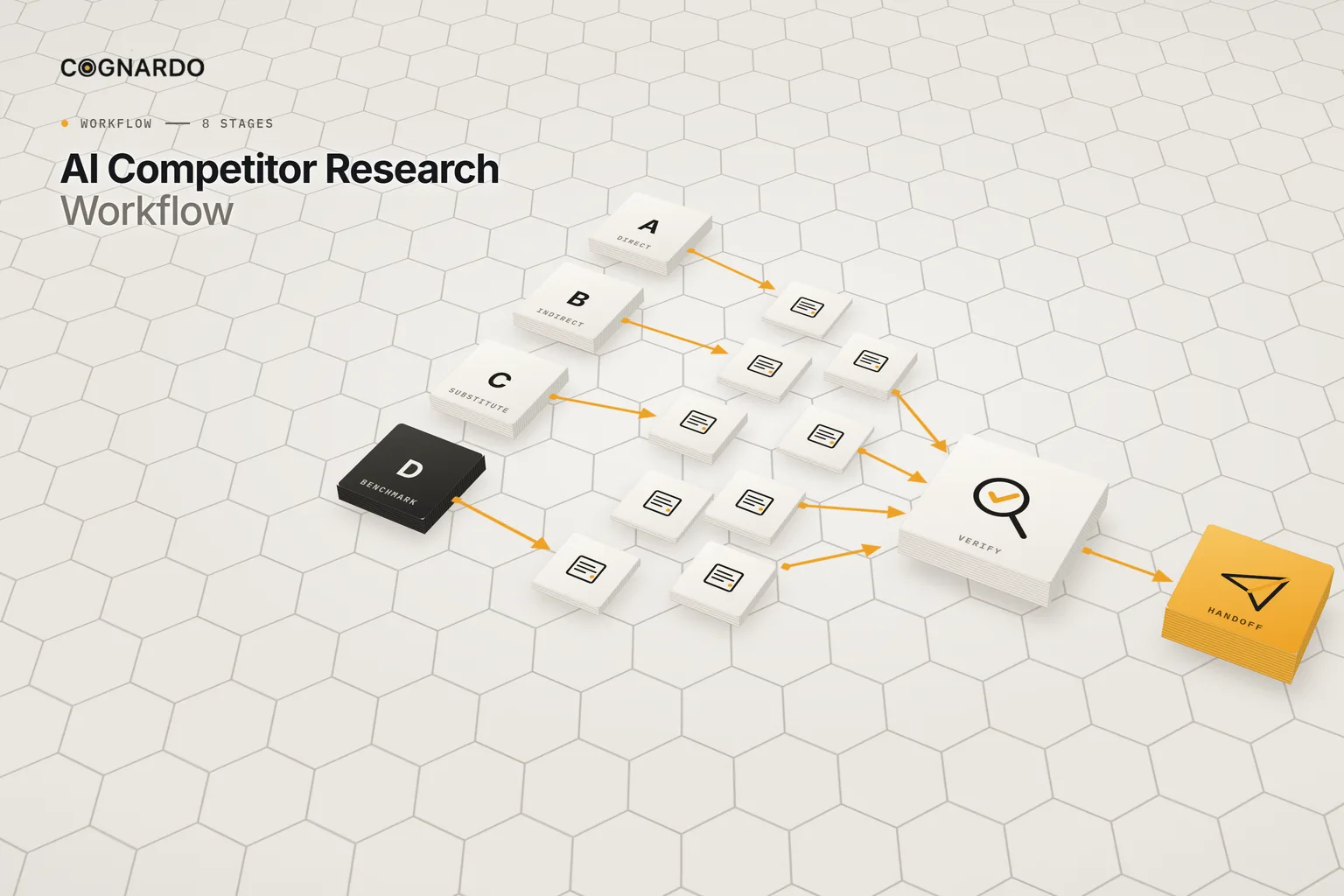
AI Competitor Research Workflow

Run competitor research that holds up — define the decision, choose the right competitors, log evidence with its source, let AI help with defined tasks, verify what matters, and hand off with the caveats intact.

8 stages8 AI prompts100-row evidence log

Competitor research · Evidence · Verification

XLSXAI workflow

AI Social Listening & Lead Discovery Workflow

Find people publicly describing the problems you solve, verify and prioritise each signal, and engage only where it’s appropriate and approved — with a weekly review that sharpens the next cycle.

6 stages120-signal register4 AI task cards

Social listening · Lead discovery · Customer insight

The layer underneath

Put them to work inside your LLM.

Every resource here ends up somewhere you actually use it. Workbench is our browser extension for that — bulk-import a prompt pack, keep your context and checklists organised, fill the variables in a form, and run them without leaving ChatGPT, Claude or Gemini.

Explore Workbench