Free resource

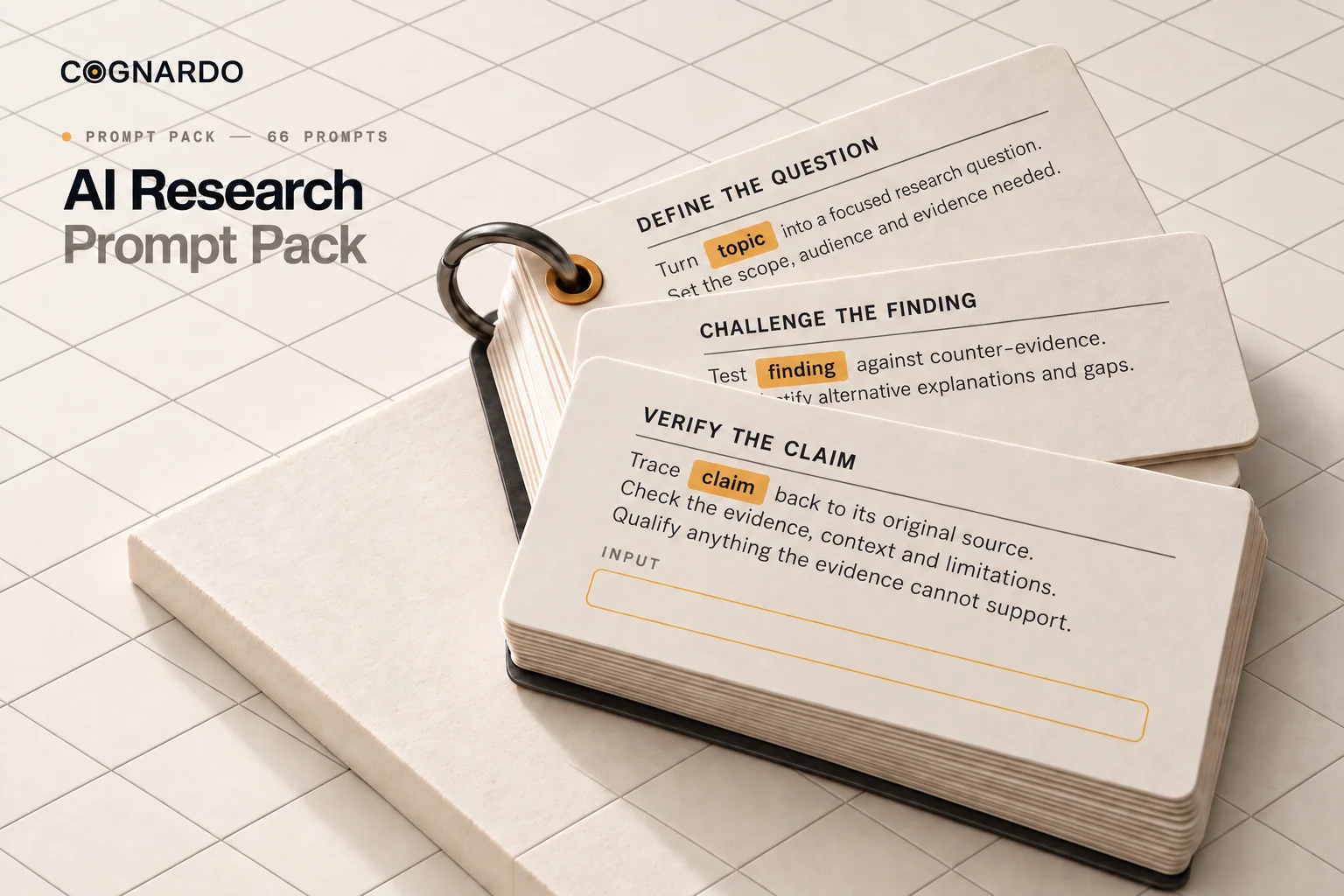
66 AI research prompts for better, evidence-based research

A structured prompt library for every stage of research — framing the question, screening sources, extracting evidence, challenging your own conclusion and auditing the final draft.

XLSX / Excel format11 research stagesWorks with ChatGPT, Claude & Gemini
See sample prompts first

Free. We email you the file — no account, no card.

ai-research-prompt-pack.xlsx
TitleStageDifficulty
Research Question FramerDefineBeginner
Evidence Requirements MapperPlanAdvanced
Source Reliability Pre-ScreenerEvaluateBeginner
Claim Provenance TracerVerifyAdvanced
Final Trust AuditDeliverAdvanced

+ 61 more rows · 2 tabs · fully editable

Start HereAI Research Prompts

What you’ll get

A working library, not a list of one-liners.

66 research prompts

Each one written for a specific job, not a generic "act as a researcher" template.

11 research stages

Every prompt is tagged Define through Deliver, so you can jump to the part you are stuck on.

Difficulty ratings

Beginner, Intermediate or Advanced — 21 beginner prompts to start with, 21 advanced ones to grow into.

Model recommendations

Supported models plus the one each prompt was optimised for. Some have GPT, Claude and Gemini variants.

Token estimates

Roughly what each prompt costs before you paste it, from 180 to 850 tokens.

Searchable tags

Filter by things like provenance, confirmation bias, evidence extraction or overclaiming.

A Start Here tab

How the variables work, what the columns mean, and three suggested paths through the pack.

A plain editable XLSX

No app, no login, no locked cells. Filter it, rewrite prompts, add your own rows.

Inside the pack

Eight of the 66, in the open.

Real excerpts from the workbook, abbreviated. If these look useful, the other 58 follow the same standard.

DefineBeginner~390 tokens

Research Question Framer

Turns a rough topic into research questions worth actually investigating.

Excerpt

You are an expert research design assistant. Your job is to help me turn a topic, scope, or rough idea into strong research questions that are clear, useful, and worth investigating. ## Topic {{topic}} ## Current scope {{scope}} ## My goal {{goal}} ## Intended use {{intended_use}} ## Number of primary questions {{primary_question_count}}

GPT · Claude · Gemini

PlanIntermediate~460 tokens

Research Plan Builder

Converts a goal into staged work with priorities and next actions.

Excerpt

You are an expert research planning assistant. Your job is to turn a topic, scope, and research goal into a practical research plan with clear stages, priorities, and next actions. ## Research goal {{goal}} ## Why this research is being done {{reason}} ## Final audience for the eventual output {{final_audience}}

GPT · Claude · Gemini

PlanAdvanced~700 tokens

Evidence Requirements Mapper

Decides what evidence would settle each question — before you go looking.

Excerpt

Act as an evidence-planning specialist. Your job is to determine **what evidence must be found before research begins**, so conclusions are driven by evidence rather than by whatever information happens to appear during searching. Create an evidence requirements map connecting each important research question or proposed conclusion to the evidence needed to support, reject, qualify, or leave it unresolved.

GPT · Claude · Gemini

EvaluateBeginner~520 tokens

Source Reliability Pre-Screener

A fast first pass that sorts a source list before you invest reading time.

Excerpt

You are an expert source reliability screening assistant. Your job is to perform an early reliability screen on a set of sources so I can quickly see which ones look stronger, weaker, riskier, narrower, outdated, or more useful before deeper verification begins. ## Sources to screen {{sources}}

Separate GPT, Claude & Gemini versions

EvaluateAdvanced~850 tokens

Study Methodology Evaluator

Asks whether a study actually supports the claim you want to hang on it.

Excerpt

Act as a critical research-methodology reviewer. Evaluate whether the methodology of the provided study supports the conclusions being drawn from it. Do not judge a study merely by whether its findings seem plausible or agree with expectations. If important methodological information is unavailable, explicitly mark it as **Not Reported / Cannot Assess** rather than guessing.

GPT · Claude · Gemini

VerifyAdvanced~750 tokens

Claim Provenance Tracer

Finds out whether ten sources are real corroboration or one source repeated.

Excerpt

Act as a claim-provenance investigator. Trace a repeated claim through the available sources to determine **where it originated, which sources independently support it, and whether apparent corroboration is actually multiple publications repeating the same underlying evidence**. Do not treat repetition as independent verification.

GPT · Claude · Gemini

ChallengeAdvanced~750 tokens

Confirmation-Bias Audit

Checks whether your process ever gave the opposing evidence a fair chance.

Excerpt

Act as an independent research-process auditor. Examine completed or in-progress research for signs that the process may have **favored an initial belief, hypothesis, preferred conclusion, or expected outcome**. Your goal is to determine whether the research process gave credible competing evidence a fair opportunity to affect the result.

GPT · Claude · Gemini

DeliverAdvanced~300 tokens

Final Trust Audit

The last gate before a draft is sent, submitted or published.

Excerpt

You are a final trust audit reviewer. Perform a last-pass trust review of the draft before delivery, publication, submission, or client use. Audit across: claim support, citations and attribution, numbers, dates and versions, internal consistency, reasoning integrity, overclaim risk, and source faithfulness.

GPT · Claude · Gemini

The research process

Eleven stages, and prompts for each.

Most bad research fails at a specific step. The Stage column tells you which prompts belong to the step you’re standing on.

  1. 01

    Define

    7 prompts

    Turn a vague topic into a precise, answerable question.

  2. 02

    Plan

    7 prompts

    Decide what evidence you need before you start collecting it.

  3. 03

    Discover

    8 prompts

    Build search queries and find the right kinds of sources.

  4. 04

    Evaluate

    6 prompts

    Screen sources for reliability, method quality and conflicts.

  5. 05

    Extract

    7 prompts

    Pull out claims, quotes and data with their caveats intact.

  6. 06

    Compare

    6 prompts

    Put sources side by side and diagnose where they disagree.

  7. 07

    Analyze

    7 prompts

    Test arguments, assumptions and causal claims.

  8. 08

    Synthesize

    4 prompts

    Turn scattered findings into a position you can defend.

  9. 09

    Challenge

    8 prompts

    Attack your own conclusion before anyone else does.

  10. 10

    Verify

    4 prompts

    Check that every claim traces back to a real source.

  11. 11

    Deliver

    2 prompts

    Write it up, then run a final trust audit before it ships.

How to use it

Copy, fill, run.

Every prompt is plain markdown in a single cell, with {{variables}} marking the parts you replace. If you don’t have a value, say so — don’t let the model invent one.

  1. 01

    Pick the stage you are in

    Filter the Stage column. Framing a question and stress-testing a conclusion need different prompts.

  2. 02

    Copy the Content cell

    Each prompt lives in one cell as plain markdown. Copy the whole thing, formatting included.

  3. 03

    Fill in the {{variables}}

    Anything in double braces is yours to replace. If a variable is marked optional and you do not have it, delete the line.

  4. 04

    Attach your sources

    Where a prompt asks for sources, notes or a draft, paste them in or attach the files before you run it.

  5. 05

    Move to the next stage

    Feed the output of one prompt into the next. Most work needs three or four prompts, not sixty-six.

Once you have the pack

Bulk-import all 66 into Cognardo Workbench.

Workbench is our browser extension for prompt libraries: import a spreadsheet in one go, keep prompts organised by stage and tag, fill the variables in a form instead of by hand, and run them without leaving ChatGPT, Claude or Gemini.

Explore Workbench

Who it’s for

Anyone whose work has to hold up.

Researchers & academics

Methodology reviews, provenance tracing and bias audits.

Students

A structure for literature work that does not start with a blank page.

Consultants & analysts

Client-ready findings with the caveats still attached.

Founders & strategists

Market and competitor research you can actually bet on.

Writers & journalists

Claim checking, source comparison and overclaim detection.

Marketers

Evidence behind the positioning, not just the confident-sounding version.

Example workflow

One question, nine moves.

01Frame the question
02Build the plan
03Find the sources
04Screen for reliability
05Extract the evidence
06Compare and analyse
07Synthesize a position
08Challenge it
09Verify and deliver

You don’t need to run all 66 prompts. Every prompt works on its own — a quick piece of research might use three, a rigorous one might use ten. And nothing here replaces checking the important claims against real sources yourself.

Get the pack

66 prompts. One spreadsheet. No cost.

Enter your email and we’ll send ai-research-prompt-pack.xlsx straight to your inbox.

We may email you occasionally for feedback, or to tell you about new Cognardo resources. Unsubscribe any time.

FAQ

Questions, answered.

Is the prompt pack really free?+

Yes. Enter your email and we send the file. There is no payment step, no trial, and no card required.

Does it work with ChatGPT?+

Yes — the pack is written primarily for GPT, and every prompt except the model-specific variants works there as-is.

Does it work with Claude and Gemini?+

Yes. The Supported Models column lists which models each prompt is designed for, and several prompts — the search query builders, the quote extractors and the reliability pre-screeners — ship in separate GPT, Claude and Gemini versions.

What format is the download?+

A single .xlsx workbook with two tabs: Start Here and AI Research Prompts. It opens in Excel, Google Sheets, Numbers and LibreOffice.

Do I need to use all 66 prompts?+

No, and you should not. Every prompt works on its own. A quick piece of research might use three. A rigorous one might use ten.

Can I edit the prompts?+

Yes. Nothing is locked. Rewrite them for your field, tighten them, or add your own rows — it is your copy.

What do the {{variables}} mean?+

Anything inside double braces is a placeholder you replace with your own information — your question, your sources, your audience. If a variable is marked optional and you do not have that information, tell the model it is unavailable rather than inventing it.

Can these prompts replace source verification?+

No. AI-generated research is not verified evidence. Several prompts in the pack exist specifically to help you check claims against real sources — but for anything consequential, confirm the important claims yourself.