AI content brief template
Turn scattered content requirements into a brief a human or AI writer can execute — without having to guess what you meant.
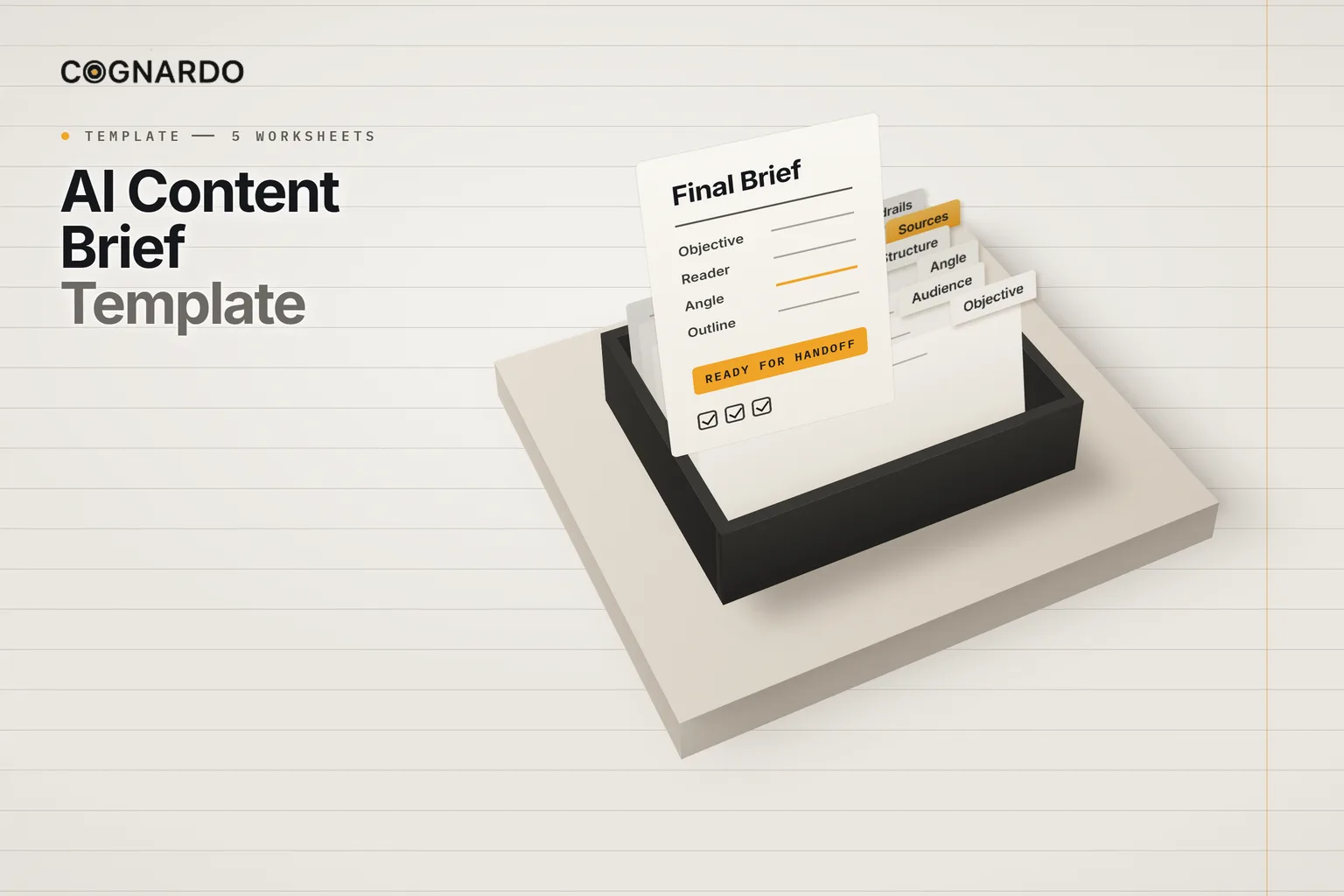
This free workbook captures the objective, reader, angle, requirements, structure and approved sources for one piece of content, adds clear guardrails for AI, and compiles it all into a copy-ready brief.
5 structured worksheets · 11 readiness checks · Works with ChatGPT, Claude, Gemini or a human writer
The problem
“Write a blog post about…” isn’t a brief.
It’s a topic. Whoever writes from it, a freelancer or a model, has to invent the reader, the angle, the structure and the evidence. What comes back is their guess, not your piece.
A piece written for nobody in particular
Statistics nobody can source
The obvious angle, the same as everyone else’s
Sections that answer questions the reader didn’t have
A draft that needs rewriting, not editing
Definition
What is a content brief?
A content brief tells a writer what a piece must achieve, who it is for, what angle to take, what it must cover, how it is structured, and which sources it may rely on.
It is finished when the writer could execute it without asking you a single question.
What goes in it
Eight sections. Only some of it is required.
Required fields drive the readiness check. Optional ones are there for when they help, and search fields are optional on purpose. If a required constraint doesn’t apply, you write “None” rather than leave it ambiguous.
A worked example
What specific looks like.
From the workbook’s fictional example: a small studio briefing a guide on preparing for a website redesign.
How to build it
Six steps, one assignment.
One workbook per piece of content. Duplicate the file for the next one, so every brief stays complete on its own.
AI
Spots gaps, organises the context you supply, suggests an outline, and executes the approved brief.
Must not invent missing facts, sources, customer research, product details, statistics, quotes or first-hand experience.
You
Set the business and editorial direction, approve sources, choose the angle and resolve conflicts.
Own the judgement, and the final approval of the brief.
- 01
Define
The assignment, the objective, the reader and what they should be able to do afterwards.
- 02
Contextualise
Topic and search context, the angle, the key message and the content requirements.
- 03
Support
Log the evidence and approve only the sources you are comfortable using.
- 04
Structure
Write the outline yourself, or use the Outline Assistance prompt and then approve it.
- 05
Review
Resolve whatever the readiness check flags as missing, and run the Brief Gap Review if useful.
- 06
Hand off
Confirm the final checks, then give the Final Brief to a writer or paste it into your AI tool.
The important part
Tell the writer what not to make up.
A model will fill every gap you leave with something plausible. The brief’s guardrails close those gaps explicitly, and come pre-filled with sensible defaults you can edit.
The most important one: your approved sources and instructions outrank whatever the model thinks it knows.
Allowed sources
Use the completed brief and sources marked Approved.
Must not invent
Statistics, quotes, customer research, product facts, competitor claims, first-hand experience or sources.
Uncertainty
Flag missing, conflicting or unclear information instead of guessing.
Claims
Use approved sources for factual claims that need evidence; flag claims that still need verification.
Precedence
Approved source material and explicit brief instructions override generic model knowledge.
Conflicts
Stop and flag the conflict before drafting, rather than silently choosing one instruction.
Only approved sources make it into the brief.
Sources & Evidence is a controlled log, not a research workflow. Each source gets a status, and the Final Brief pulls in only the approved ones.
Unreviewed
Logged, not yet read properly.
Approved
You are comfortable using it. Only these reach the Final Brief.
Needs verification
Promising, but not evidence yet.
Do not use
Kept on record so nobody adds it back.
Before handoff
Complete isn’t the same as right.
The readiness check confirms eleven essentials are filled in. Then you confirm six things a formula can’t. Only when both pass does the brief read Ready for Handoff.
Final human review
- The objective is correct
- The audience is correct
- Requirements do not conflict
- Claims and sources are approved
- The outline reflects the piece you want
- No unsupported assumptions were added
The workbook
Brief it once. Get back the piece you meant.
Everything above is on this page for free. The workbook does the part a webpage can’t: check what’s missing, keep unapproved sources out, and compile the whole brief into text you can paste.
3 built-in AI prompts
ai-content-brief-template.xlsx
XLSX · 5 worksheets
Enter your email and we’ll send the template straight to your inbox. Free, no account, no card.
We may email you occasionally for feedback, or to tell you about new Cognardo resources. Unsubscribe any time.
Where it helps
Any piece worth writing properly.
Briefing a freelancer
One document instead of a call, three emails and a revision round.
Drafting with AI
Paste the Final Brief and the handoff prompt instead of “write a blog post about…”.
Agency and client work
Agree the objective, angle and sources before anyone writes a word.
SEO-led articles
Search context included, without letting keywords become the strategy.
Thought leadership
Capture the position and the nuance that must not be overstated.
Content teams
One standard for every brief, so reviews are about the content, not the missing context.
Keep it where you work
Paste the brief where you write.
A finished brief and its handoff prompt get used every time you draft. Workbench is our browser extension for exactly that — keep prompts and context organised, fill the variables in a form, and run them without leaving ChatGPT, Claude or Gemini.
FAQ
Questions, answered.
What is a content brief?+
A document that tells a writer, human or AI, what a piece of content must achieve, who it is for, what angle to take, what it must cover, how it should be structured, and which sources it may rely on. A good brief means the writer does not have to guess at any of those.
How do I write a content brief for AI?+
The same way you would for a person, plus explicit guardrails. Define the objective, the reader and the outcome, choose the angle, list the must-include points and the outline, and approve the sources. Then tell the model what it may rely on, what it must never invent, and what to do with missing or conflicting information.
Why does AI-written content come out generic?+
Usually because the brief was a topic, not a brief. Without a specific reader, outcome and angle, a model falls back on the most common way of covering the subject. That is, by definition, what everyone else has already published.
Should a content brief include SEO keywords?+
Only when the piece is search-led. The workbook keeps search fields optional on purpose. When search matters, describe what the searcher is trying to accomplish, not just the keyword. Without that, it is easy to optimise for a phrase and miss the reader.
How do I stop AI from inventing statistics and sources?+
Tell it explicitly, and give it something better to use. The brief’s guardrails forbid invented statistics, quotes, research, product facts and sources, make approved sources take precedence over the model’s own knowledge, and ask it to flag gaps instead of filling them.
Can I use it with ChatGPT, Claude or Gemini?+
Yes. The Final Brief compiles into plain, copy-ready text, and the handoff prompt works in any general-purpose AI tool. You can equally hand it to a human writer.
What does “Ready for handoff” mean?+
That every required field is complete and you have confirmed the six final review checks. Completeness alone is not enough: a field can be filled in and still be wrong, which is why the last step is a human review.