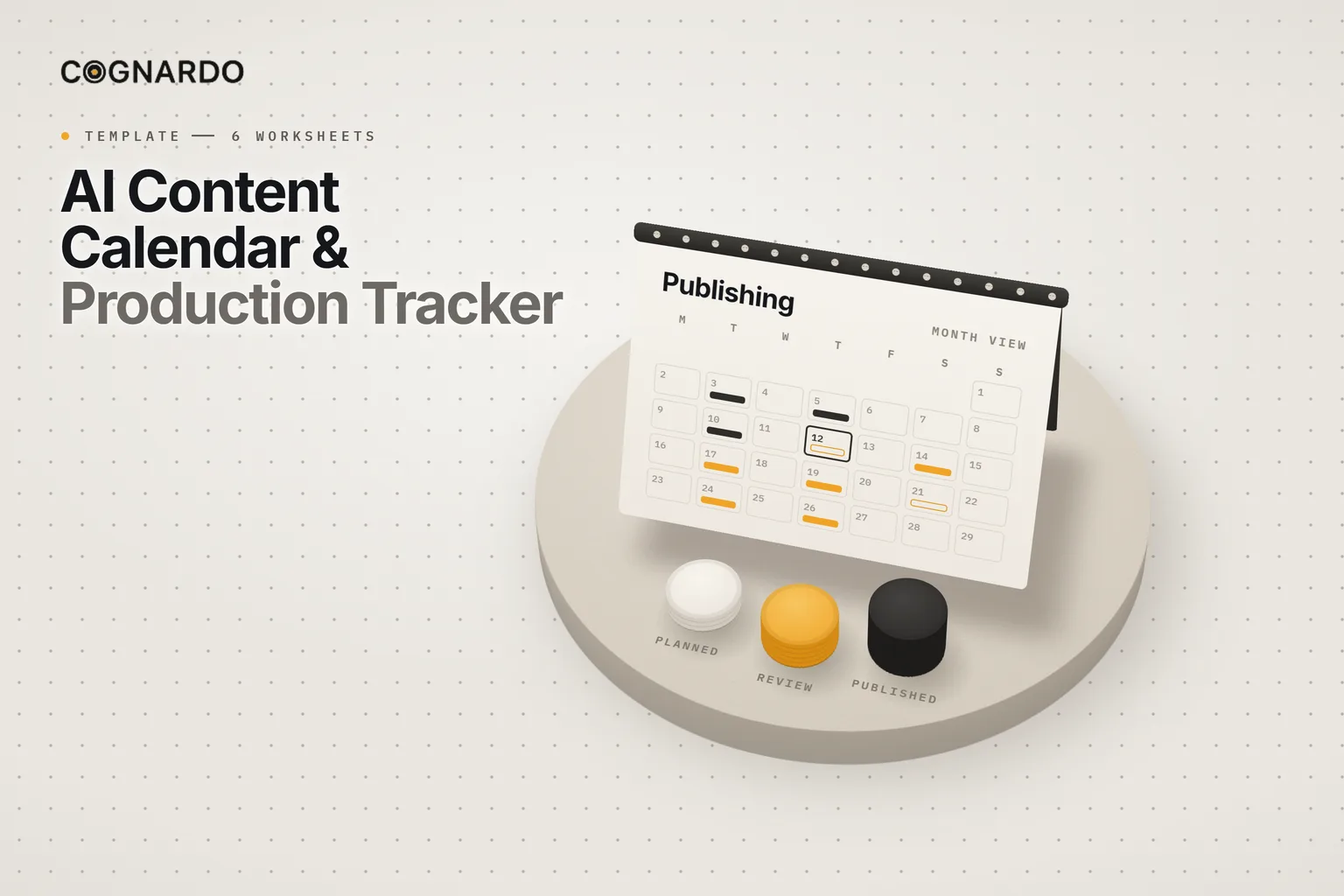
AI content calendar & production tracker
Plan what you’ll publish, track what it takes to produce it, and see what needs attention — from one reusable workbook.
One pipeline holds every committed piece. The calendar and the review queue build themselves from it, so they can’t drift out of date, and overdue or blocked work stops hiding.
6 worksheets · Room for 300 pieces and 200 ideas · 4 AI helpers
The problem
A calendar shows the plan. Not whether it’s happening.
Most content calendars are a list of dates. They look fine right up until something misses its slot, because nothing in them knew the draft was stuck.
Every idea gets a row, so nothing stands out
The calendar says Tuesday; the draft says otherwise
Blocked pieces sit quietly until the deadline passes
Nobody knows who owns the next step
Published work never gets marked as done
Definition
What is a content production tracker?
A content production tracker follows each piece from commitment to publication: its status, owner, next action, blockers and dates. The calendar becomes one view of it, not a separate document.
The point is not more planning. It’s seeing early which pieces need a decision.
How it works
Capture to close, in one place.
Ideas are captured in the backlog. Only committed work moves into the pipeline, and every piece ends with a recorded publish date and URL.
The rules it runs on
- 01
One pipeline row represents one content deliverable.
- 02
Keep uncommitted ideas in the backlog so active work stays focused.
- 03
Update the next action whenever the status changes or a blocker is resolved.
- 04
The calendar and review sheets are derived views. Make changes in the pipeline.
- 05
AI can help plan and analyse the work. People decide priorities, approve quality, verify claims and publish.
The source of truth
One row per piece. Every column earns its place.
The Content Pipeline is the only sheet you edit day to day. Each piece moves through seven statuses, and always has an owner and a next action.
What each row tracks
Publish health
Action health
The important part
A review that tells you where to look.
Production Review is built for a regular check-in. Five counts show the state of things at a glance. The attention queue lists every piece that needs a decision, and why.
The goal: nothing important is waiting without a decision or a next action.
Always-on counts
1Active content
2Due in next 7 days
3Overdue publish
4Blocked
5Awaiting review
Why a piece lands in the queue
Overdue publish
Its date has passed and it isn’t published.
Blocked
Something it depends on isn’t resolved.
Awaiting review / approval
It is sitting with a reviewer.
Upcoming ≤14 days
It is due soon, so check it is on course.
Missing critical info
An owner, a date or a next action is missing for its stage.
Getting started
Set it up once. Keep it running.
Unlike a one-off template, this workbook is meant to stay in use. Fictional example rows show the expected level of detail. Delete them when you start.
Default content types
Default channels
- 01
Adjust the settings
Optionally set your own content types, channels, owners and priorities. The dropdowns follow.
- 02
Capture ideas
Put rough ideas in the Idea Backlog, without treating every one as active production.
- 03
Commit to the pipeline
One row per committed piece, with a target date, status, owner, next action and any blockers.
- 04
Review production
Resolve what is overdue, blocked, in review, coming up or missing information.
- 05
Check the calendar
Make sure the planned dates are realistic and the content will actually be ready.
- 06
Close it out
Mark it Published, record the actual date and the URL. Then it is done.
The workbook
One pipeline. Every view stays in sync.
Everything above is on this page for free. The workbook does the part a webpage can’t: calculate health for every piece, build the calendar and the review queue, and keep them current as you work.
ai-content-calendar-production-tracker.xlsx
XLSX · 6 worksheets
Enter your email and we’ll send the tracker straight to your inbox. Free, no account, no card.
We may email you occasionally for feedback, or to tell you about new Cognardo resources. Unsubscribe any time.
Built-in AI helpers
AI for the planning friction. People for the decisions.
Four reusable prompts. Paste in the rows they ask for, review what comes back, then update the workbook yourself.
Develop a backlog idea
Turns a rough idea into five genuinely distinct angles to choose from.
Prepare an item for production
Works out the minimum a planned piece needs before work starts.
Review the production pipeline
Finds what is overdue, blocked or at risk, and the next actions that matter most.
Review the publishing calendar
Spots crowded weeks, channel concentration, repeated topics and dates that aren’t realistic.
Where it helps
Anyone publishing on a schedule.
Solo creators and consultants
One place for the blog, the newsletter and the social posts.
Small marketing teams
Clear owners and next actions without buying a project tool.
Agencies
One copy per client, with a review sheet for the weekly call.
Campaign launches
Every asset for a launch, tracked to the same date.
Content repurposing
Track each format of a piece as its own deliverable.
AI-assisted production
Plan where AI helps, and where people approve before anything goes out.
Keep it where you work
Run the review prompts without hunting for them.
Weekly reviews mean running the same pipeline and calendar prompts again and again. Workbench is our browser extension for exactly that — keep prompts organised, fill the variables in a form, and run them without leaving ChatGPT, Claude or Gemini.
FAQ
Questions, answered.
What is the difference between a content calendar and a production tracker?+
A calendar shows when content goes out. A production tracker shows what it takes to get it there: who owns it, what happens next, what is blocking it and whether it has been approved. This workbook does both from the same rows, so the calendar can never claim something is ready that production says is not.
Can AI plan my content calendar?+
It can help. The four prompts develop ideas into angles, prepare items for production, and review the pipeline and the schedule for problems. People still decide priorities, approve quality, verify claims and publish. AI output is advisory.
How far ahead should I plan content?+
Far enough that everything on the calendar has an owner and a realistic route to publication, and no further. The Idea Backlog exists so that longer-range ideas can wait there without crowding out the work that is actually in production.
Why keep ideas separate from the pipeline?+
Because a pipeline full of maybes hides the work that is actually due. Ideas go in the backlog. Only once you commit to producing one does it get a pipeline row, an owner and a date.
Does it work in Google Sheets?+
It is built as an Excel workbook. It opens in Google Sheets, Numbers and LibreOffice, but the calculated views rely on spreadsheet formulas, so check that the health columns and review counts are working after you import it.
Can I change the statuses and channels?+
Yes, on the Settings sheet. Add only values you will actually use. If you rename the default statuses, keep their meaning, because the review logic depends on Published, In Review, Ready, Scheduled and On Hold.
How often should I review production?+
On a regular rhythm that matches how often you publish, usually weekly. The Production Review sheet is built for that meeting: the counts tell you where to look, and the attention queue tells you what to decide.